RBAC & Team Management

RBAC controls who can see, create, modify, and delete resources in CredVault — across the dashboard, admin portal, and Pragma enterprise areas.
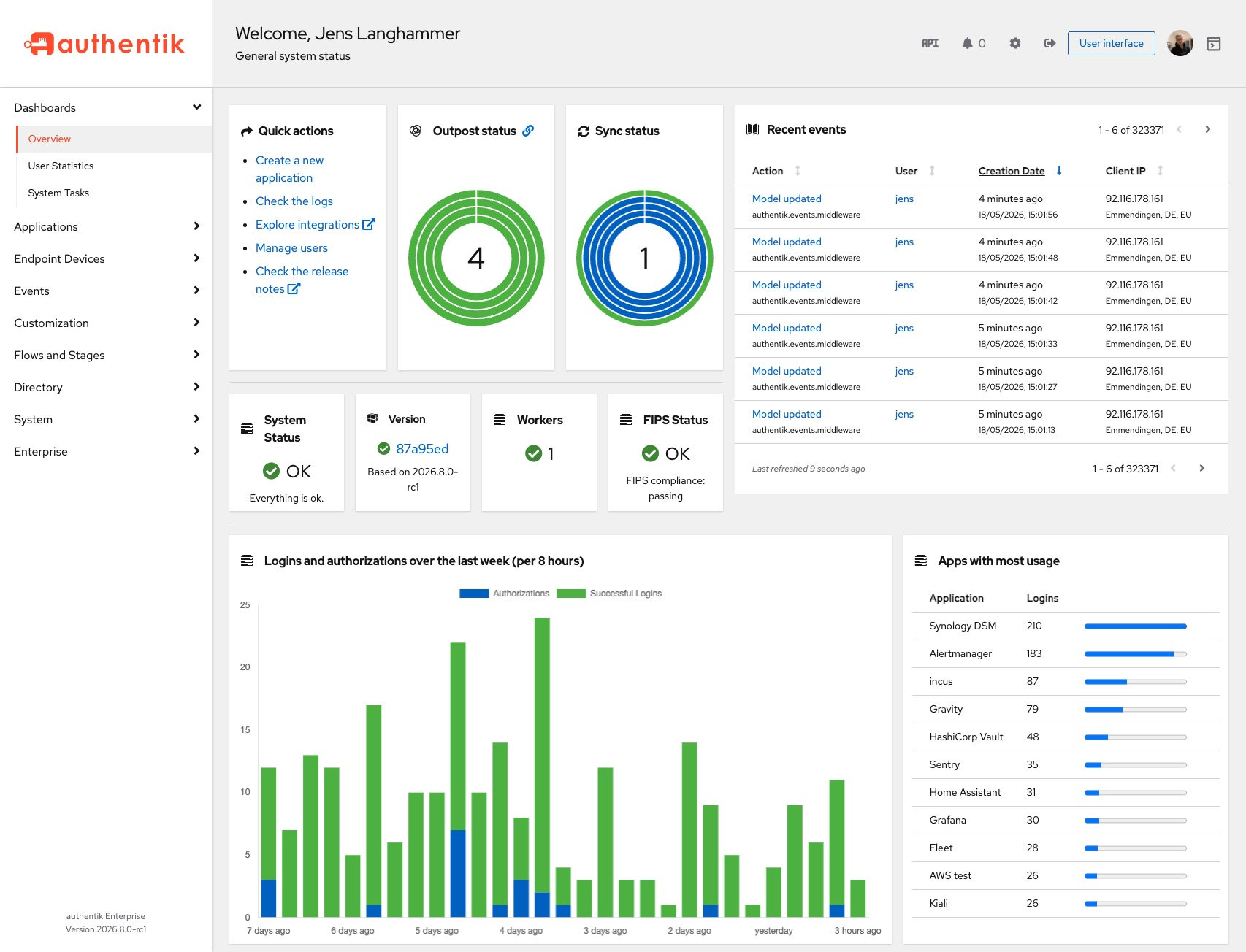
Team Management in the sidebar (/team) is CredVault’s in-product directory and access UI. Open it after sign-in; this page documents roles and where access shows up, not a separate vendor manual.
User-Facing Areas
Users encounter team and role controls in:
/settings
/team
/api-keys
/logs
/billing
/pragma-enterprise
admin portal user management
/team is the primary place to manage users, groups, and directory settings for the workspace.
Core Model
CredVault access is tenant-based:
- A user belongs to a tenant or workspace.
- The tenant owns clusters, API keys, functions, webhooks, billing, and logs.
- A role determines what the user can do inside that tenant.
- Sensitive routes validate both authentication and tenant/resource access.
Common Roles
| Role | Typical access | Best for |
|---|---|---|
| Owner | Billing, users, clusters, API keys, settings, destructive actions | Founder, CTO, platform owner |
| Admin | Operational management except highest billing/org controls | Engineering manager, platform admin |
| Developer | Clusters, data, functions, webhooks, logs needed for development | Engineers |
| Viewer | Read-only dashboards, logs, metrics, docs | Analysts, auditors |
| App Builder | Limited technical task surface for building installers or assigned app tasks | External builders, contractors |
| Super Admin | Internal platform-wide administration | CredVault internal operators |
How Permissions Are Enforced
The backend uses middleware before sensitive routes. Examples:
authenticateToken
ensureTenantAccess
ensureClusterAccess
enforceClusterIPWhitelist
enforceAPIKeyIPWhitelist
checkAdminRoleJWT
This means a signed-in user still cannot access every resource. The user must also belong to the correct tenant or have the correct admin role.
API Key Permissions
API keys use scopes. Scopes should be narrower than user roles.
Example:
data:read
data:write
webhooks:manage
functions:execute
Use API keys for applications. Use user sessions for dashboard actions.
App Builder Role
Use the App Builder role for outside people who should not be admins. They should see only the task instructions and account controls needed to complete assigned build work.
Recommended access:
- View assigned build task
- View OS-specific build instructions
- Run the approved build workflow
- Automatic upload/sync of finished artifacts
- View own account profile
- Edit display name and avatar/memoji
- No billing, no admin users, no global settings
Test It
Browser checks:
1. Sign in as an admin
2. Open admin user management
3. Assign a test user a limited role
4. Sign in as that user
5. Confirm restricted pages are hidden or blocked
6. Open /logs and confirm role/user changes are audited
API checks:
curl https://credvault.net/api/auth/profile \
  -H "Authorization: Bearer <user-token>"
Then try a protected resource the user should not access. It should return a permission error.
Documentation Gaps To Watch
If you add a new role, update:
- Admin portal role creation UI
- Backend role constants and authorization checks
- Sidebar/page visibility rules
/logsevent names- This documentation page
Best Practices
- Give contractors the smallest role that lets them finish the task.
- Do not make App Builders admins.
- Keep billing access separate from technical build access.
- Use logs to audit role changes.
- Test every new role with a real non-admin account.